
Editing in the NLE
Editing in the NLE
Section titled “Editing in the NLE”What the editor looks like, and what each part of it is for. The screenshots below are captured from a running system rather than drawn, so they show the real interface at the version noted at the foot of the page.
The layout is the one an editor will recognise: sources on the left, two monitors in the middle, the timeline underneath. What is different from a desktop editor is that none of the media is on your machine — the pictures in both monitors are video streams of a render happening on the server.
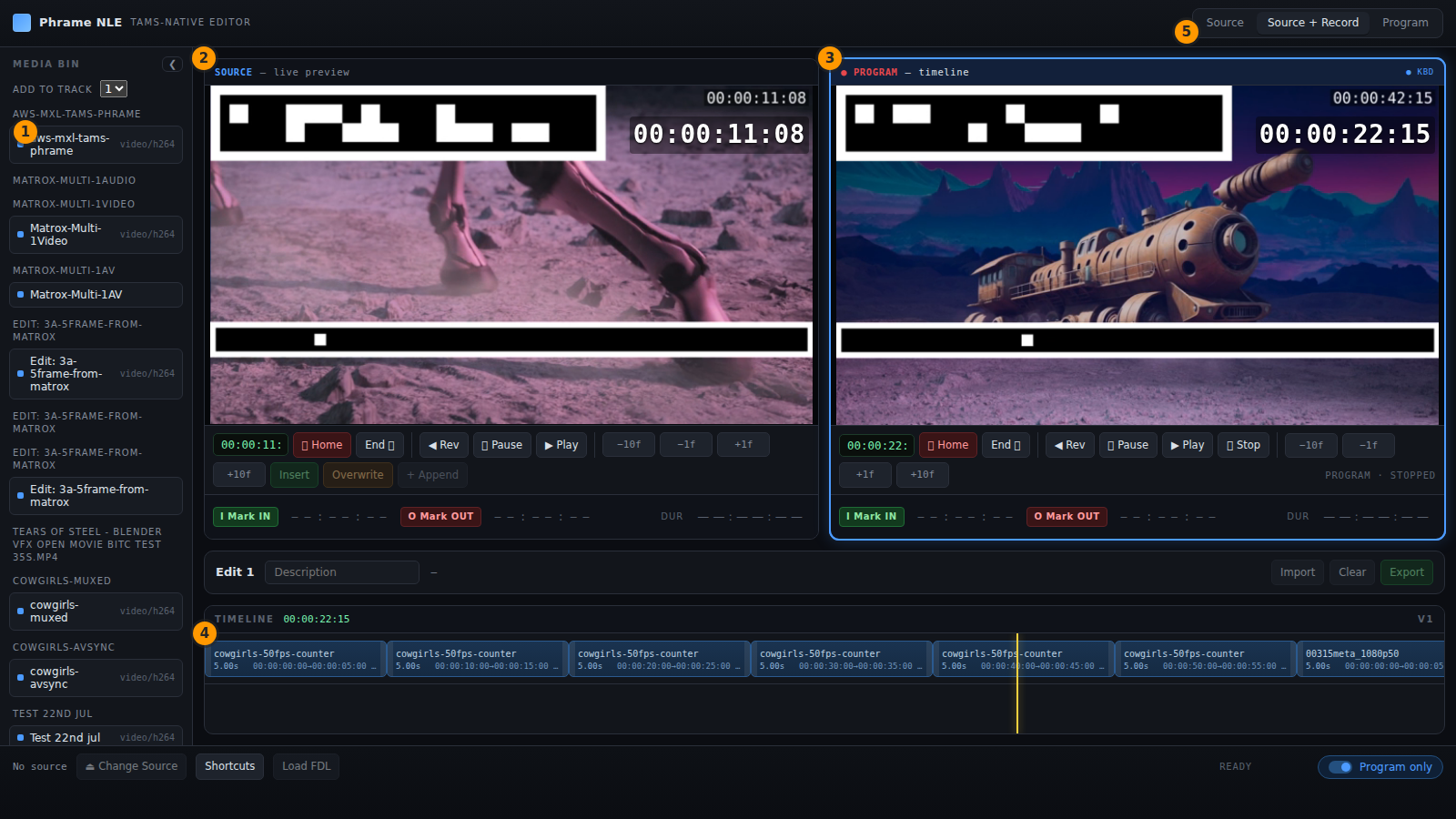
- Media bin — sources and flows from TAMS
- Source monitor — the clip you are trimming
- Program monitor — the rendered timeline
- Timeline — clips on a track
- View mode — source, both, or program
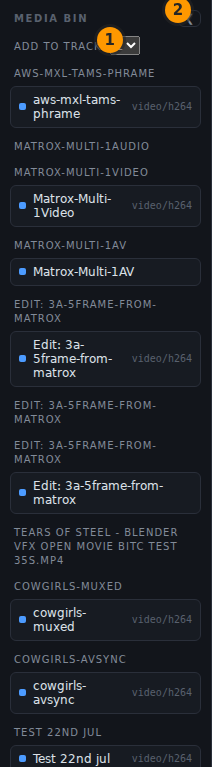
- Which track a clip is added to
- Collapse the bin to give the monitors the width
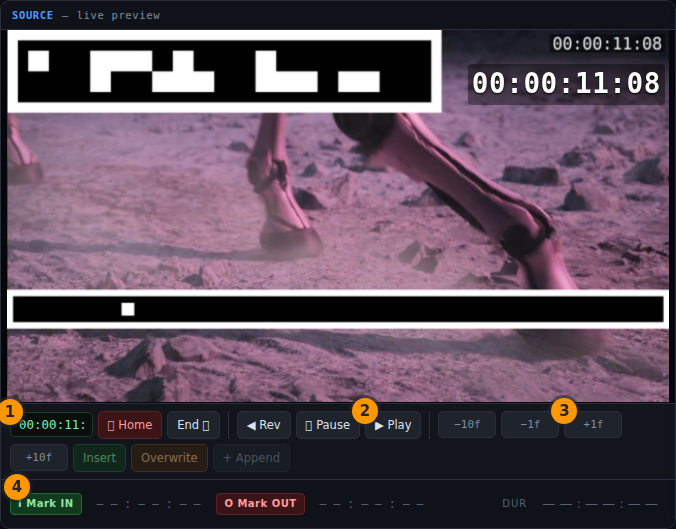
- Timecode at the current frame
- Play — J, K and L also shuttle
- Step one frame; ±10 steps ten
- Mark in and out, and the resulting duration
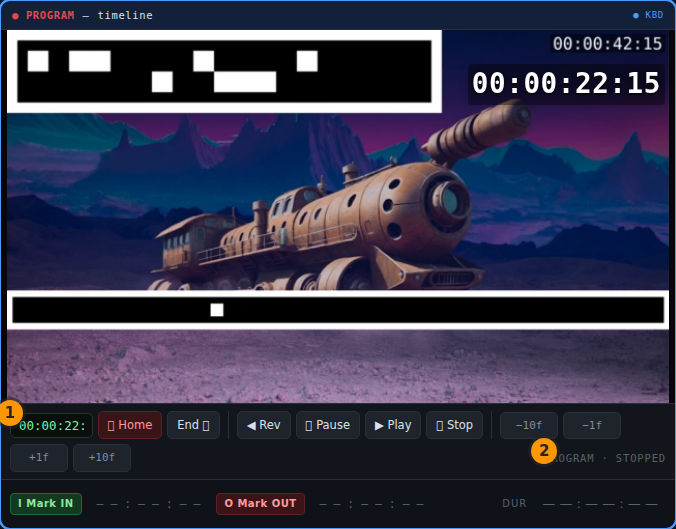
- Program timecode, driven by the picture
- Transport state of the program
Captured 2026-09-03 from registry.3adesign.co.uk/phrame/non-linear-editor-web:lx-80.
Working from the bin
Section titled “Working from the bin”Selecting a source loads it into the source monitor. Set an in point and an out point, choose the track to add to, and insert or overwrite it into the timeline. The program monitor then shows the timeline as rendered — not a local approximation of it, but the actual composited output the server is producing.
Because the render is server-side, the two monitors are independent video streams rather than two decoders competing inside the browser, and stepping a frame is a seek on the server rather than a guess made by the browser’s own decoder.